Working with departments
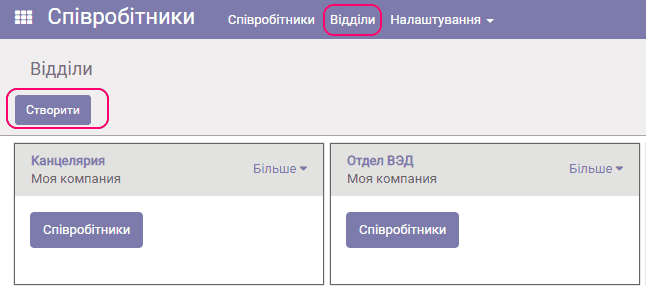
To work with the departments directory, follow the Departments link in the employees directory.
To create a department, click the Create button:
The department properties form appears:
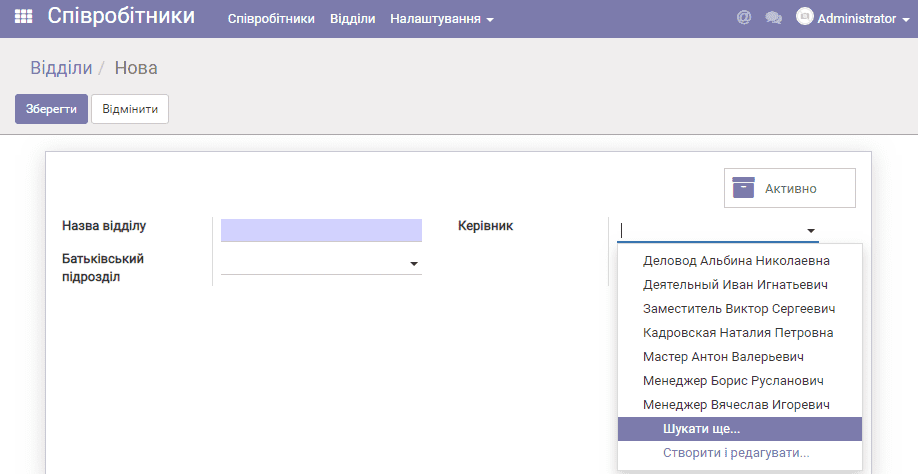
Fill in the department name, select the parent department (if needed) and specify its manager in the Manager field. Click Save.
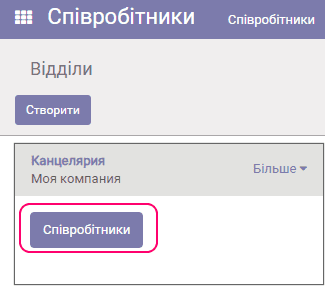
To see which employees belong to a department, click the button:
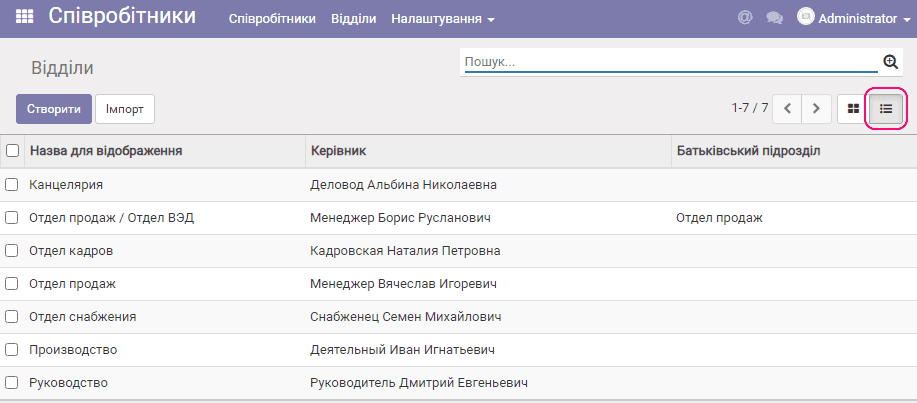
To see the department hierarchy and the department managers, click the List button: