First login to the document management system
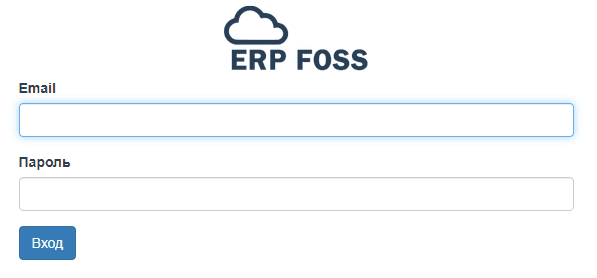
Login form
To log in to the document management system, enter the login and password of your user that you received at registration. This user has all administrator rights in the system.
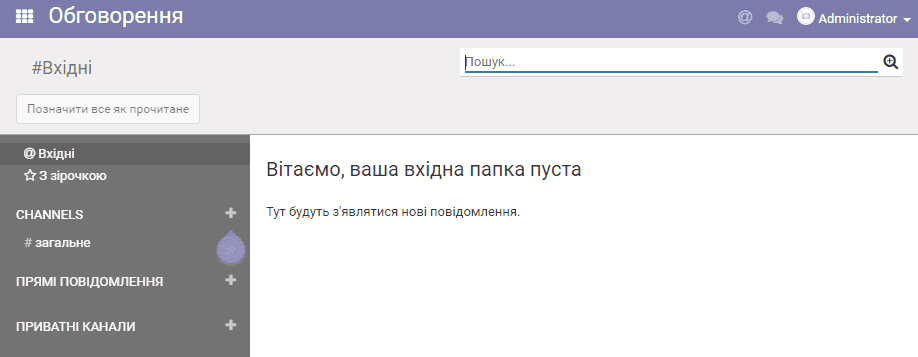
You then land on the "Discussions" application page. This page receives emails from the user's personal mailboxes, document-related messages, and messages from correspondence with other employees in the internal chat.
Localization settings and changing the user password
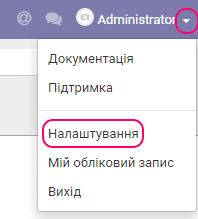
If needed, you can change the interface language and the time zone. To do this, select the Settings item in the user menu:
In the form that appears, select the language and time zone you need:
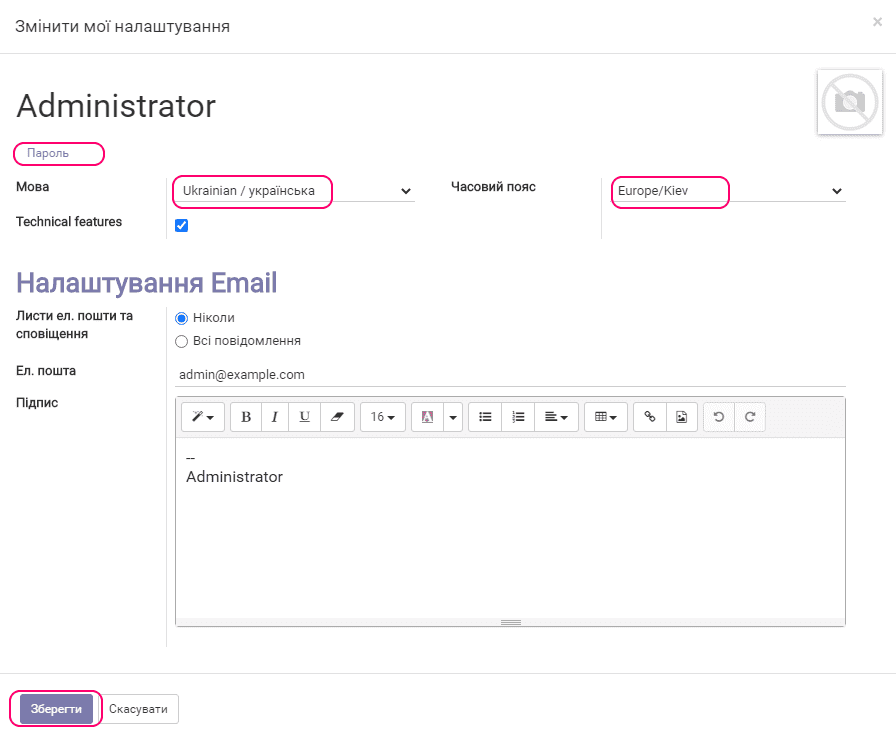
You can also change the login password of your user if needed. Click Change password, and the form appears:
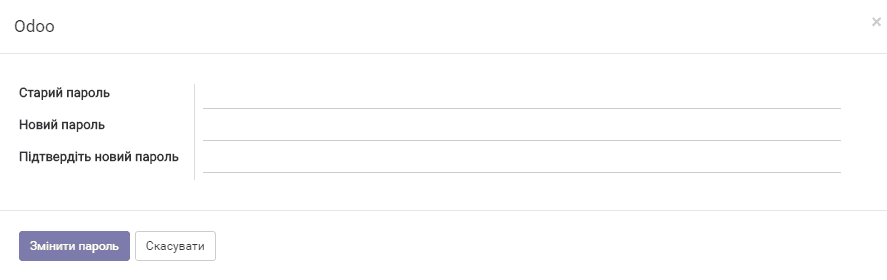
Fill in the fields and click Change password.
Click Save.
Viewing the available applications
Click the button

to see the list of applications available to you:

Click Settings for the initial setup.
Select Employees to enter the users who are employees of your organization into the system.